

On web
Click the Code view button in the left panel (the second icon below Chat) to open the file browser.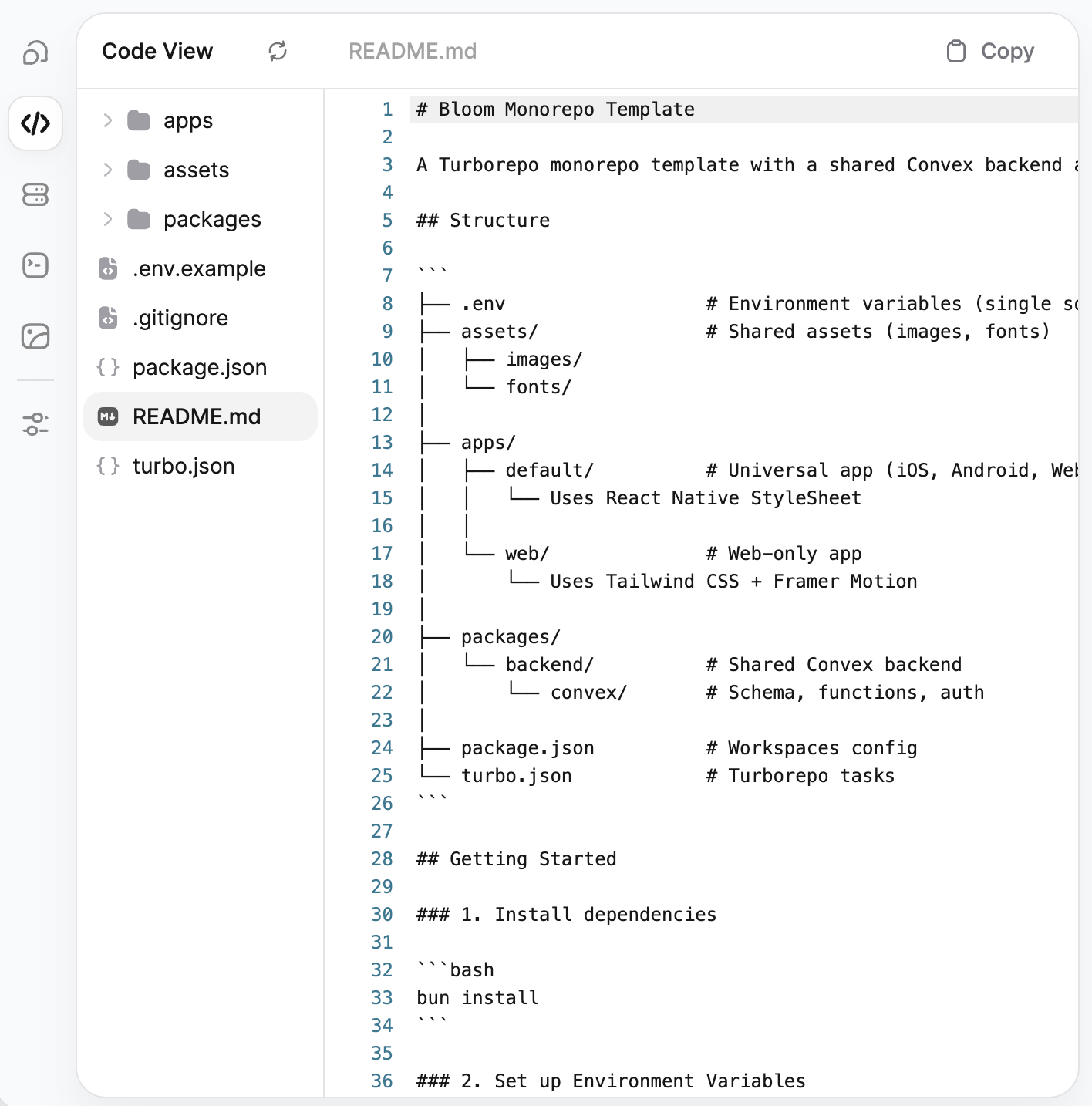
- File tree (left) — Browse your project’s folder structure. Click any folder to expand it and any file to open it.
- File viewer (right) — Displays the contents of the selected file with syntax highlighting and line numbers. The filename appears in the top bar.
- Refresh to reload the file tree and contents
- Copy (top right) to copy the current file’s contents to your clipboard
On mobile
From the More tab, tap View Code to open a modal where you can browse your project files.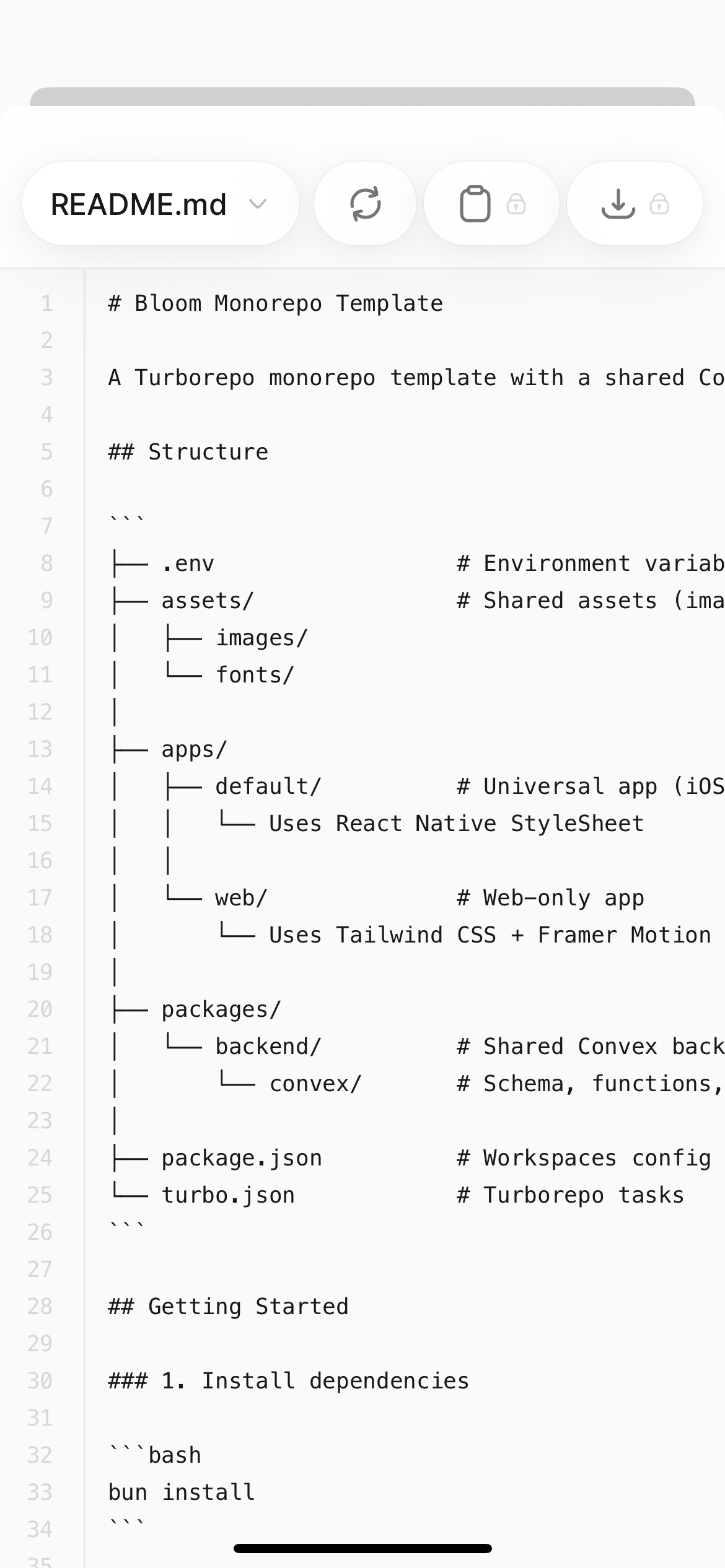
- File dropdown (top left) to switch between files in your project
- Refresh to reload the file contents
- Copy to copy the current file’s contents to your clipboard (Starter plan and above)
- Download to download the file to your device (Starter plan and above)
The copy and download buttons require a Starter plan ($20/month) or above. On the Free plan, these actions are locked.
What you can see
Your Bloom app is a Turborepo monorepo containing an Expo frontend and a Convex backend. The code preview gives you visibility into the full project structure:apps/default/— Your universal app (iOS, Android) using React Native StyleSheetapps/web/— Your web app using Tailwind CSS and Framer Motionpackages/backend/convex/— Your Convex schema, functions, and backend logicassets/— Shared images and fontspackage.jsonandturbo.json— Workspace configuration and build tasks
What’s next?
App Structure
Detailed breakdown of every file and folder in your project.
Export Your Code
Download your code as a ZIP or sync with GitHub.
GitHub Sync
Set up bidirectional sync to edit code in your preferred IDE.
Build from Mobile
Learn more about building and managing apps from your phone.