

Why instant sharing matters
Traditional app distribution requires:- Submitting to app stores (days or weeks of review)
- Managing certificates and provisioning profiles
- Separate builds for iOS and Android
- Users downloading and installing from stores
Share immediately
Generate a link and share it in seconds—no waiting for approval.
Test with real users
Get feedback from testers, clients, or team members before publishing.
No installation required
On iOS, apps run as native App Clips. On other platforms, they run as progressive web apps.
Always up to date
Changes you make in Bloom are reflected immediately in shared links.
How to share your app
Generate a share link
Click 'Share'
In the top toolbar of your Bloom workspace, click the Share button.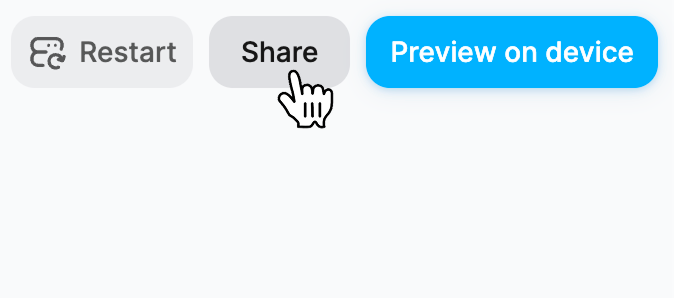
2
Copy your app link
A modal appears with a shareable URL for your app.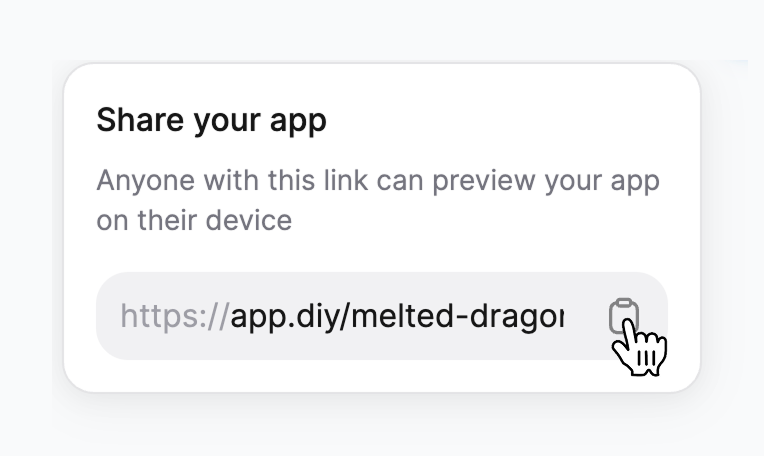
3
Share the link
Send the link to anyone via:
- Text message or iMessage
- Slack, Discord, or other messaging apps
- Social media
- Embed in documentation or demos
4
Recipients open and try your app
When someone opens your link, they’ll see your app’s landing page with options to preview it on their device.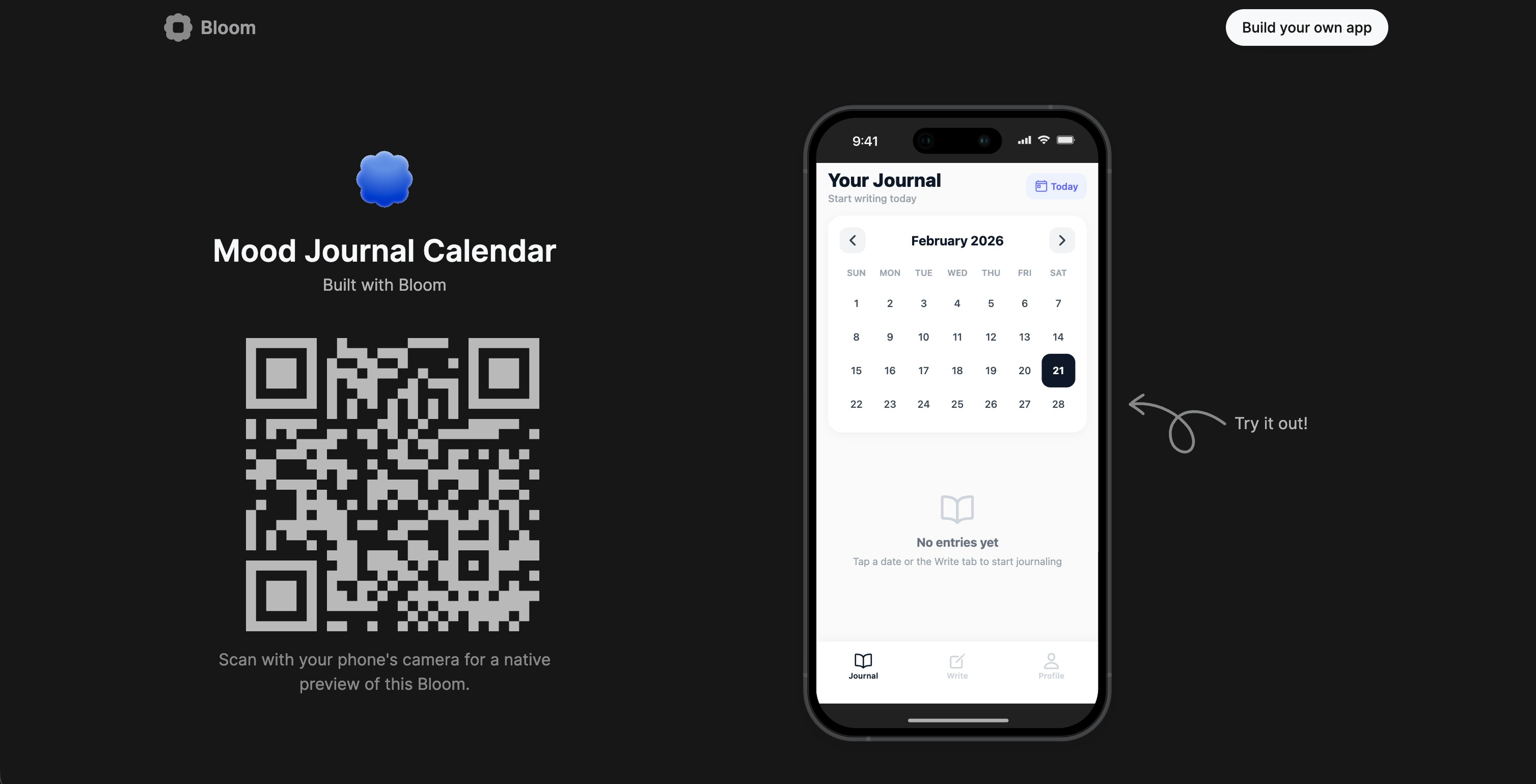
Your app link is public by default—anyone with the link can access your app. If your app includes authentication, users will need to sign in to access protected features.
Preview on device
For the best testing experience, users can preview your app natively on their device:Platform options
- iOS
- Android
- Web
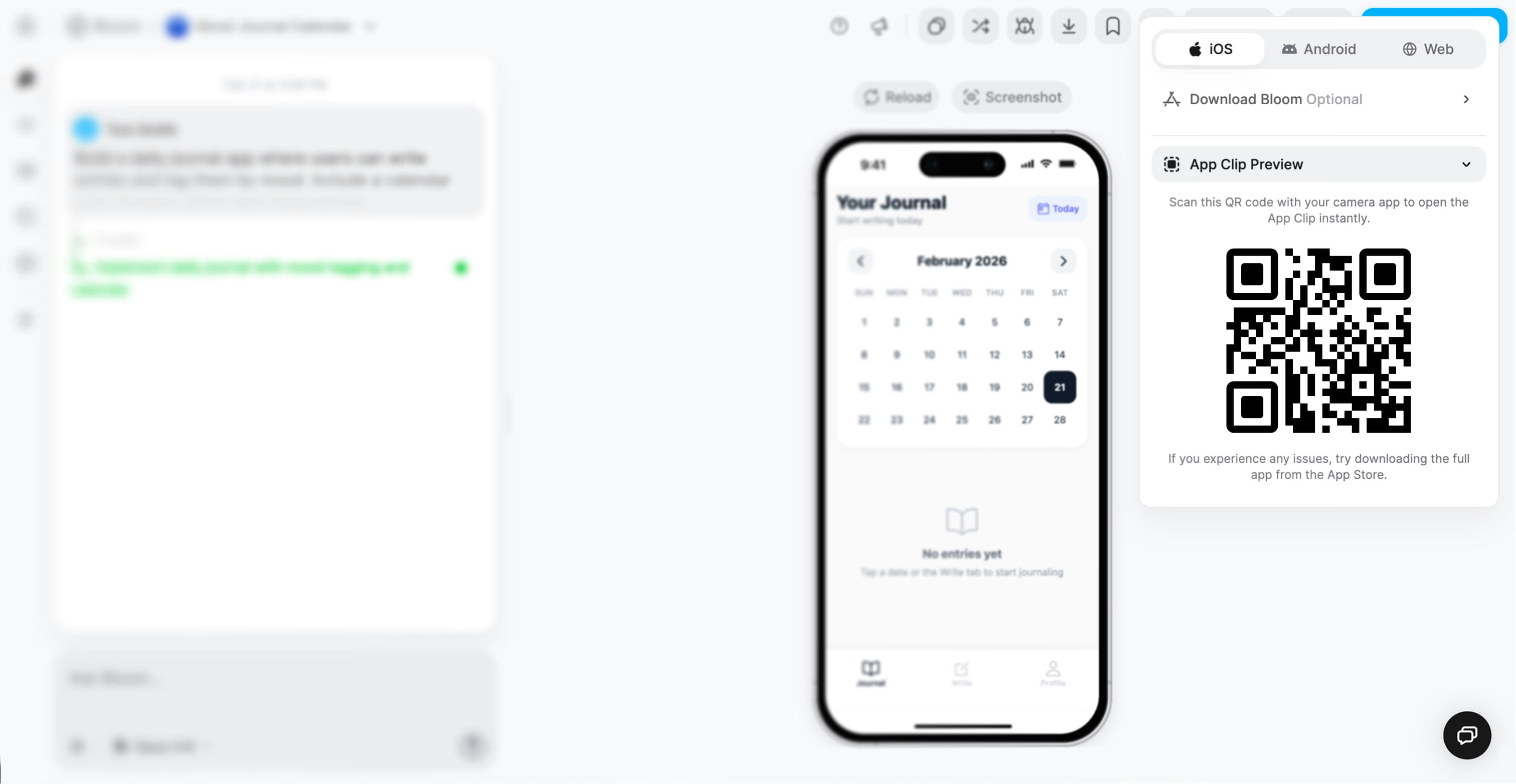
App Clip PreviewOn iOS, Bloom uses App Clips—a native iOS feature that lets users run apps instantly without installation.
1
Scan the QR code
Users open their iPhone camera and point it at the QR code displayed in the preview modal.
2
Tap the notification
iOS shows a notification banner to open the App Clip.
3
App opens instantly
The app runs natively on their iPhone—full performance, native UI, and complete functionality.
Runs as a native iOS app
No download or installation required
Full access to iOS features
Seamless user experience
Optional: Download Bloom appIf users experience any issues with the App Clip, they can download the full Bloom app from the App Store for the most reliable experience.
Common use cases
Testing with a team
Testing with a team
Share your app link in Slack or email so your team can test on their devices immediately:
- Designers can verify UI on real devices
- Product managers can test flows and features
- Developers can reproduce bugs in their environment
- No need to set up development environments
Client demos
Client demos
Show clients your work in progress without complicated setup:
- Share the landing page URL in your meeting invite
- During the demo, have the client scan the QR code
- They can try the app on their own device in real-time
- Get immediate feedback while you’re together
No installation barriers
Works on client’s preferred device
Professional presentation
User testing
User testing
Recruit testers and send them your share link:
- Get feedback from real users before launching
- Test across different devices and platforms
- No TestFlight enrollment or Android beta setup
- Users don’t need Bloom accounts
Combine with authentication to track which testers are using which features.
Quick prototypes
Quick prototypes
Share early-stage ideas with stakeholders:
- Validate concepts before building everything
- Get buy-in from leadership or investors
- Show progress to keep stakeholders engaged
- Iterate based on feedback quickly
Conference or event demos
Conference or event demos
Perfect for showing your app at events:
- Display the QR code on a screen or printed material
- Attendees scan with their phones
- They experience your app instantly
- No need for demo devices or complicated setups
Understanding App Clips (iOS)
App Clips are Apple’s technology for instant app experiences on iOS.How App Clips work
1
User scans QR code or taps link
Your share link includes an App Clip identifier.
2
iOS recognizes the App Clip
The system shows a banner notification to open the app.
3
App Clip downloads in background
A lightweight version of your app (under 10 MB) downloads instantly.
4
App opens natively
The app runs with full native performance—indistinguishable from an installed app.
5
App Clip remains available
iOS keeps the App Clip for a short time, so users can return to it easily.
Benefits of App Clips
Native performance
Runs as a native iOS app, not a web view—full speed and responsiveness.
Access to iOS features
Can use device features like camera, location, notifications (with permission).
Seamless UX
Feels exactly like using a regular app—users don’t notice the difference.
No storage concerns
Takes up minimal space and is automatically cleaned up by iOS.
App Clips vs. full app: If users love your App Clip, they can choose to download the full version from the App Store (if published) for a permanent installation.
Updating shared apps
One of the biggest advantages of instant sharing: changes are live immediately.1
Make changes in Bloom
Edit your app’s UI, add features, fix bugs, or update content.
2
Changes deploy automatically
Bloom updates your app in real-time (no manual deployment needed).
3
Shared links reflect changes
Anyone with your share link sees the updated version instantly.
4
No need for new links
The same share link works for the entire lifetime of your app.
This means: Send one link at the start of a project, and everyone always has access to the latest version.
Sharing vs. publishing
- Instant Sharing
- App Store Publishing
Best for:
- Testing and feedback
- Internal team use
- Client demos
- Beta testing
- Prototypes and MVPs
- Instant—no approval process
- Link-based access
- Updates automatically
- No app store listing
- Limited to users with the link
What’s next?
Deploy to App Stores
Ready to publish? Learn how to deploy your app to iOS and Android stores.
Monitor with Logs
Track how users interact with your shared app and catch issues.
Backend Dashboard
Monitor performance and health as users test your app.
Authentication Setup
Add sign-in to control access to features in your shared app.