

Core Features
Backend Dashboard
Monitor queries, cache health, and performance in real time.
Logs
Track frontend and backend activity in one unified stream.
Authentication
Built-in OAuth with Google, GitHub, Apple, and more.
API Connections
Connect external services with auto-provisioned or custom keys.
Real-Time Monitoring
Backend health metrics updated as your app runs.
Instant Sharing
Share your app via link or QR code—no App Store required.
Unified Workspace
When you open an app in Bloom, you’ll find everything in one place: your project files, preview, backend tools, and settings.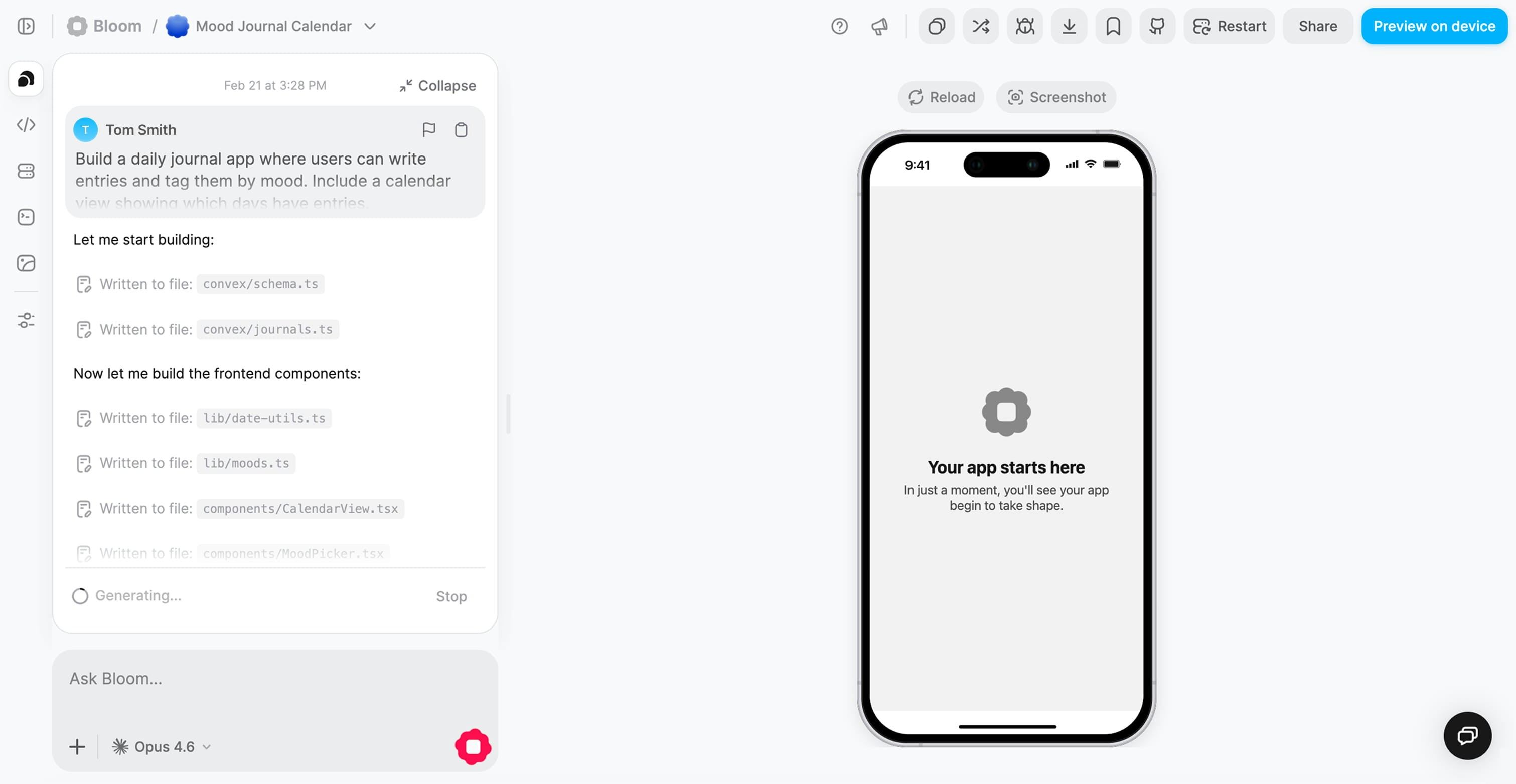
Core Views
- Code View
- Live Preview
Explore your project structureBrowse and understand your generated Expo + Convex codebase. See how your frontend components connect to backend functions.
Why the unified workspace matters
Faster iteration
Go from idea to working feature in minutes, not hours.
Easier debugging
See frontend and backend issues in context, all in one view.
No setup required
Start building immediately—no local environment configuration needed.
The result: You can go from “generate” to “test” to “deploy” without any local setup or external tools.
What’s next?
Explore the Backend Dashboard
Learn how to monitor your app’s performance
View Logs
Debug your app with unified logging