A step-by-step guide to creating your first full-stack app with Bloom.
Go from idea to working app in minutes. No coding required.
Bloom access is rolling out gradually. Existing admitted users can continue building their projects. New accounts join the waitlist unless explicitly admitted, and purchasing a plan or credits does not bypass admission.
Bloom Web App
Use the full Bloom workspace at bloom.diy in your browser.
Bloom Mobile App
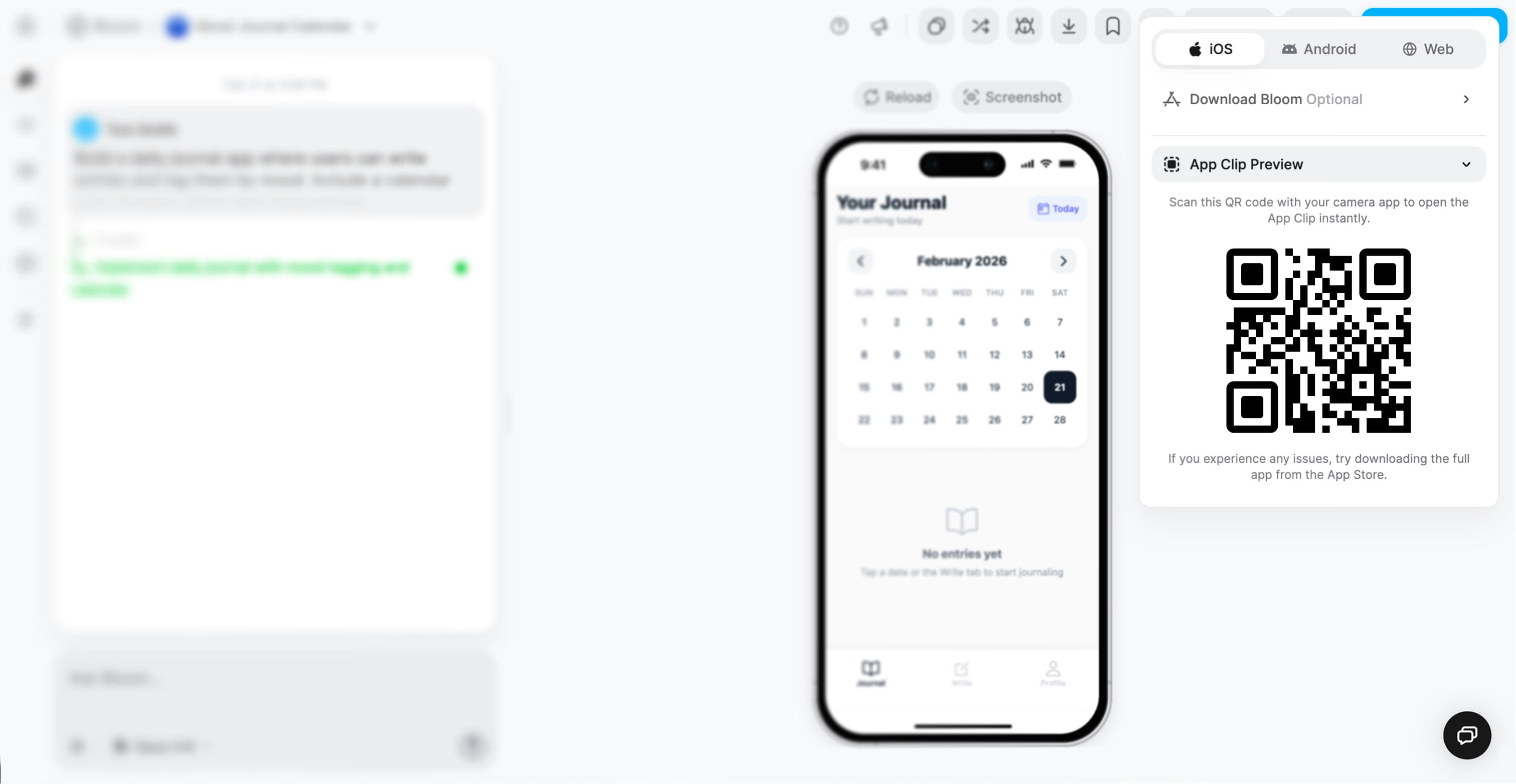
Download the Bloom iOS app and create apps from your phone.
Your app’s interface is powered by Expo’s React Native
framework, so every Bloom app runs smoothly on iOS, Android, and the web from a single codebase.Why Expo?
Convex handles your app logic, database, and real-time updates. It includes built-in hosting, functions, and storage. No need to set up servers, connect APIs, or manage credentials.Why Convex?
Real-time data sync
Type-safe queries
Built-in caching and optimization
Serverless and scalable
The power of integration: By pre-wiring Expo and Convex together, Bloom eliminates the complexity of connecting frontend to backend, configuring authentication, or managing deployment pipelines.
Follow these steps to build your first Bloom app from the web. The entire process takes less than 5 minutes.
Sign in to Bloom
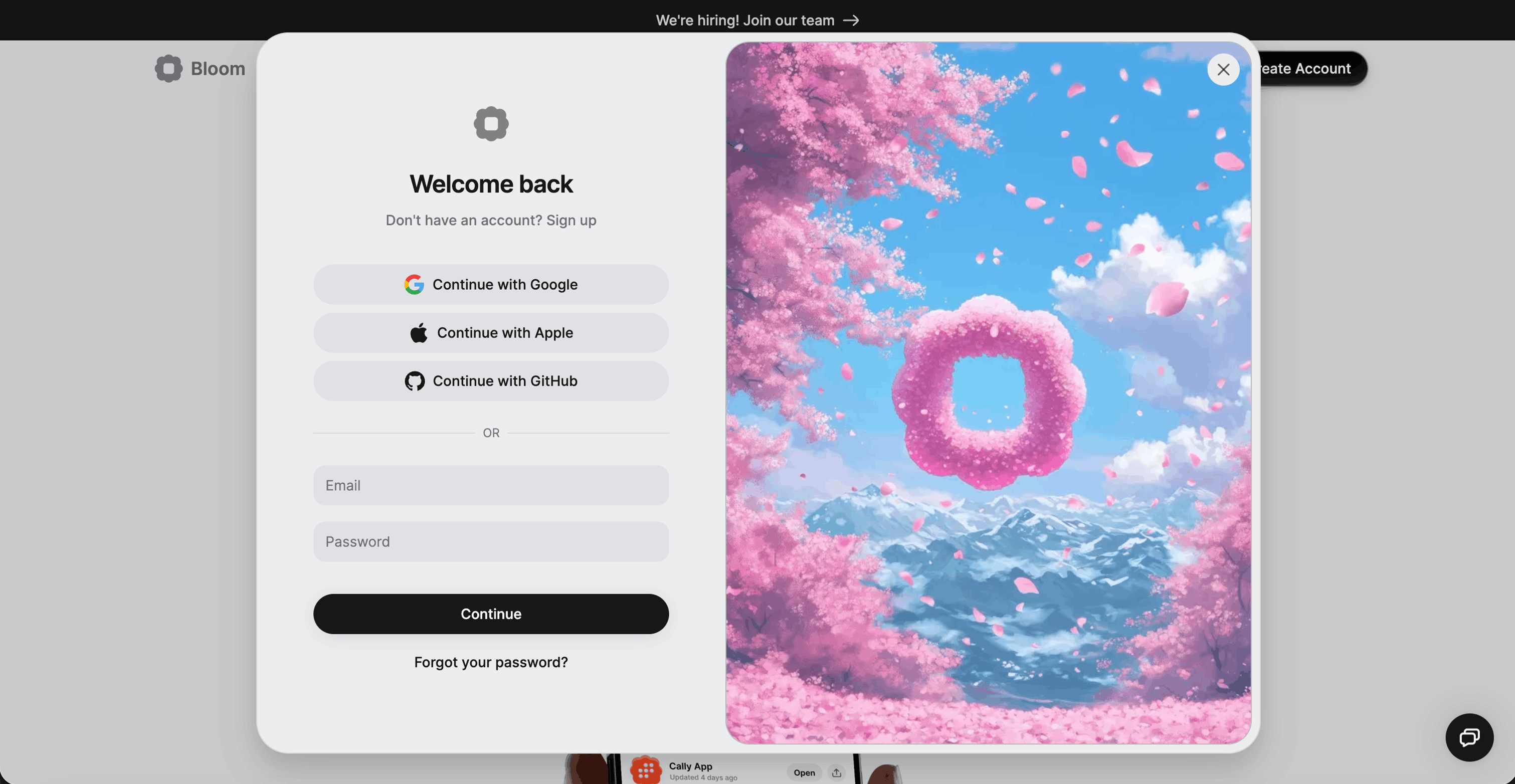
Go to bloom.diy and sign in with Google, GitHub, or email.If you don’t have an account, you’ll be prompted to create one.
Create your Bloom account
Describe what you want to build
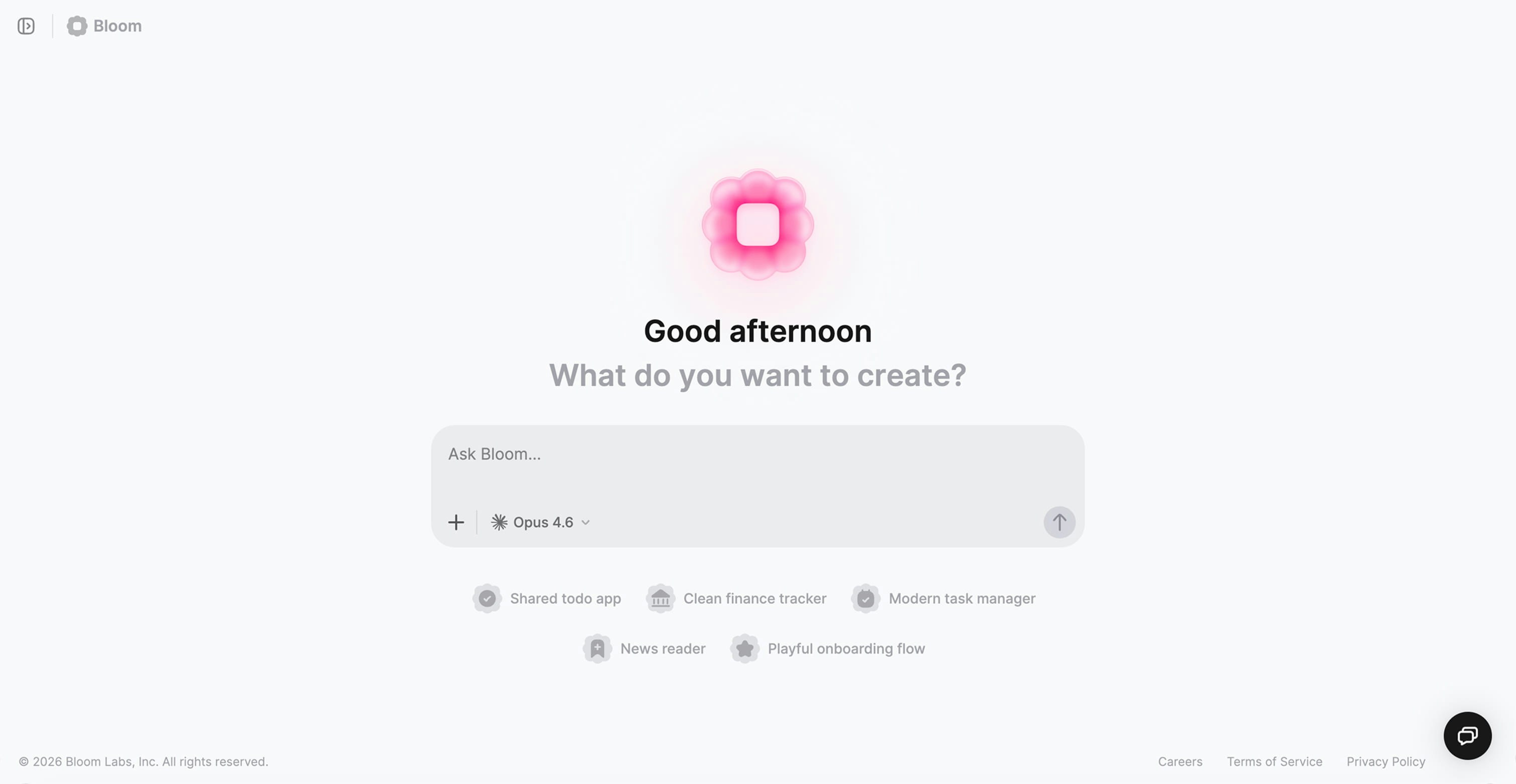
Once an admitted account is signed in, you’ll see the prompt field in the center of the screen asking “What do you want to create?” Waitlisted accounts see the waitlist instead.Describe your app idea in plain language. Be specific about the main purpose and key features you want.
I'm someone who wants to reflect on my day before bed. When I
open the app, I see a simple prompt asking how my day went. I
write a few sentences, tag my mood, and optionally add a photo.
A calendar shows me which days I've journaled. The vibe should
feel calm, private, and encouraging.
Recipe app:
I'm a home cook who finds recipes online but loses track of them.
When I find a recipe I like, I can save it with a photo and
organize it into collections like "weeknight dinners" or "meal
prep." Before grocery shopping, I can quickly see what ingredients
I need. It should feel organized and appetizing.
Book club app:
I run a small book club with friends. We pick a book, and as we
read, we can share thoughts and reactions in a thread without
spoiling ahead. I can see everyone's reading progress. When we
finish, we vote on what to read next. Should feel cozy and social,
like a group chat about books.
Habit tracker:
I'm trying to build better habits but forget to do them. Each
morning I see today's habits and check them off as I go. When I
complete one, it feels satisfying and I can see my streak growing.
At the end of the week, I see a simple chart of my progress. The
vibe should be motivating but not overwhelming.
Avoid prompts that are too vague or too technical. “Make an app” doesn’t give Bloom context. “Build a database with CRUD operations” is too technical. Describe the user experience instead.
Watch Bloom generate your app
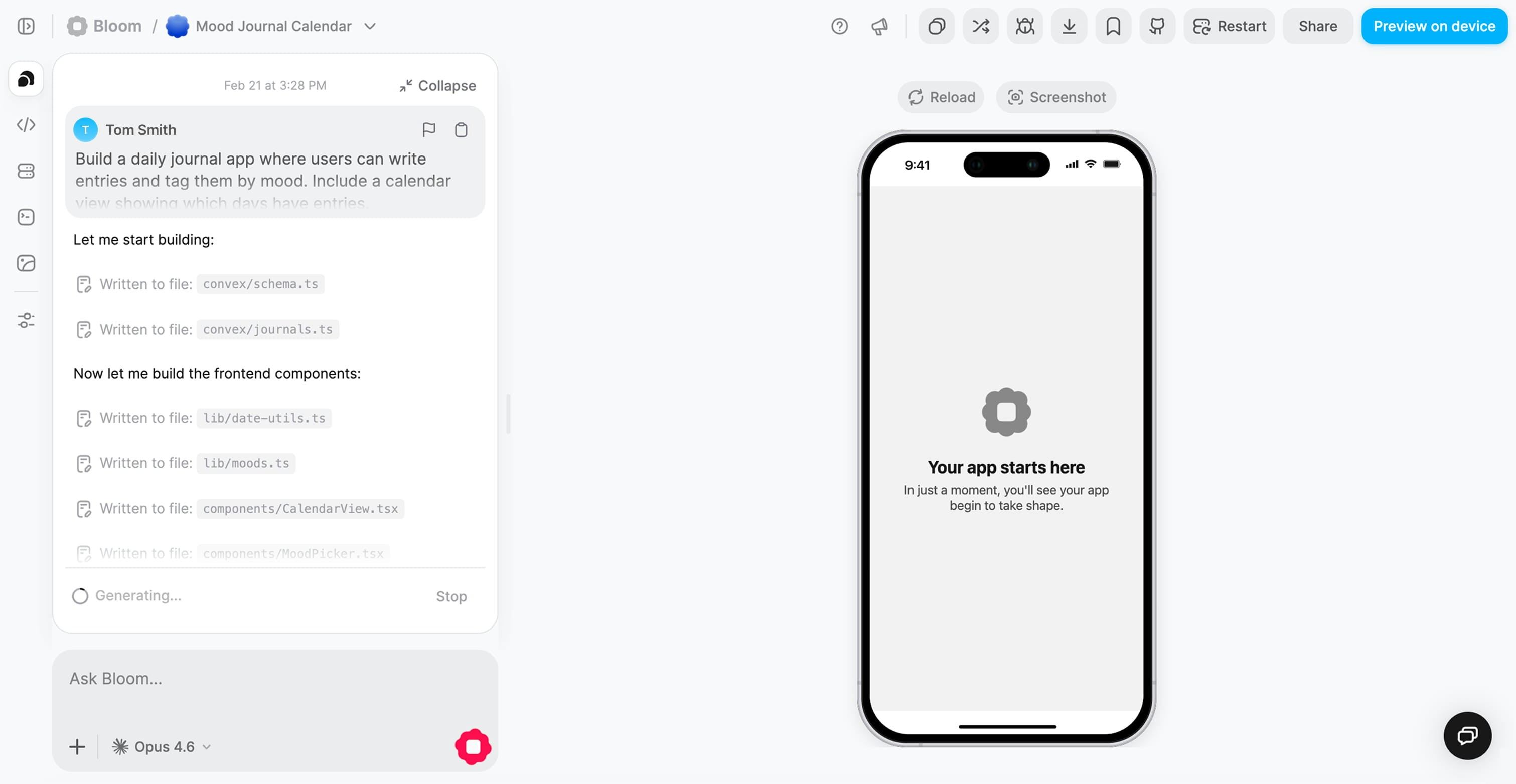
After you submit your prompt, Bloom creates your full-stack app. This typically takes 1-3 minutes depending on complexity.
Bloom generating your app
During generation, Bloom is:
Creating your frontend with Expo (screens, navigation, UI components)
Setting up your backend with Convex (database schema, API endpoints, functions)
Configuring authentication (ready to enable OAuth providers)
Connecting everything together automatically
You can watch the progress in real time. Bloom shows you what it’s building as it goes.
Preview and test your app
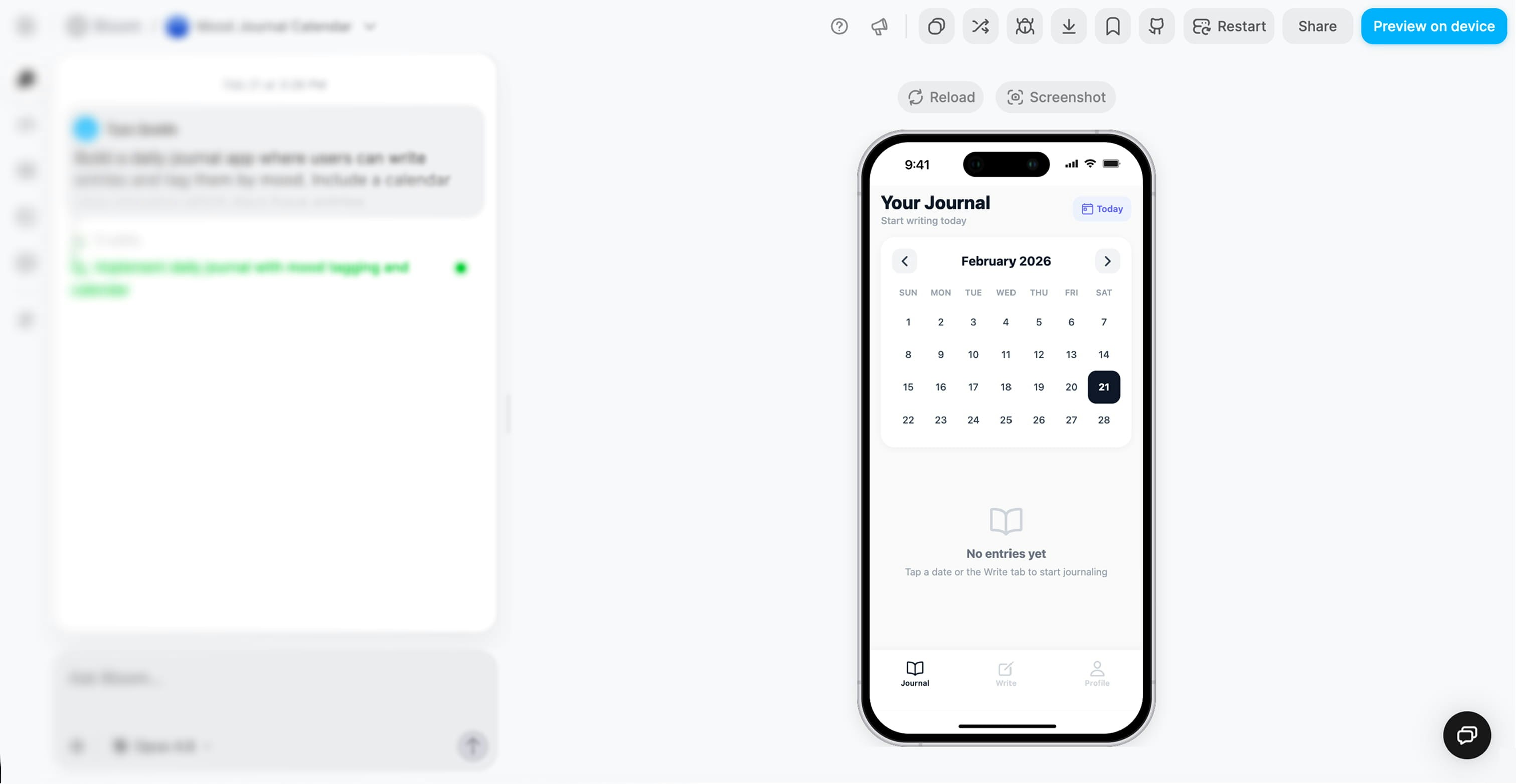
Once generation completes, your app appears in the live preview panel. You can interact with it immediately.
Bloom is a full-stack app builder, not a code assistant. Prompt like you’re writing a product brief, not a technical spec.
Good prompt
Less effective
I'm someone who wants to reflect on my day before bed. When I
open the app, I see a simple prompt asking how my day went. I
write a few sentences, tag my mood, and can add a photo. A
calendar shows which days I've journaled so I can see my
consistency. It should feel calm and private.
This prompt describes:
Who is using it (someone reflecting before bed)
What happens (open, write, tag, view calendar)
How it feels (calm and private)
Make a journal app with CRUD operations for entries
This is too technical. Bloom already knows how to build databases. Tell it about the experience instead.
Don’t try to build everything at once. Start with the core experience and add more through iteration.
Good approach
Less effective
First prompt:
I'm someone who keeps forgetting tasks. When I open the app, I
see today's tasks front and center. I can quickly add a new task
and check things off as I go. Completed tasks disappear so I feel
progress. Keep it minimal and focused.
Then iterate:
“I want to set due dates so I know when things are urgent”
“Let me mark tasks as high, medium, or low priority”
“Add a view that only shows what’s due today”
Build a complete project management tool with tasks, subtasks,
due dates, priorities, recurring tasks, team assignments,
comments, file attachments, time tracking, reports, calendar
sync, and notifications.
This is too complex for an initial prompt. Break it into smaller pieces.
Tell Bloom how the app should feel emotionally. This influences design, animations, and overall experience.
Good prompt
Less effective
I'm a home cook saving recipes I find online. I want to snap a
photo and save recipes into collections like "quick weeknight
meals." Before grocery shopping, I can see all the ingredients
I need. Should feel organized and appetizing, like a beautiful
cookbook.
“Organized and appetizing, like a beautiful cookbook” helps Bloom make design decisions.
Recipe database with relational data and search functionality
This is technical jargon with no emotional context. Describe what the user does and how it should feel.